You are required to design and implement ROLE BASE ACCESS Control mechanism for
Pine Valley Furniture Company interfaces developed so far.
Enhance the schema of PVFC database.
Solution:
To implement RBAC in our system we need to add a new table in our database by
name of AUTHENTICATION_T, which will store the credentials of users for authentication.
AUTHENTICATION_T
ID
PASSWORD
ROLE
For now we are only considering two roles, admin and cutomer in our system. Admin can change
the product catalog whereas a customer can place order.
Problem Statement
Take advantage of the modified schema and incorporate RBAC of interfaces.
Solution:
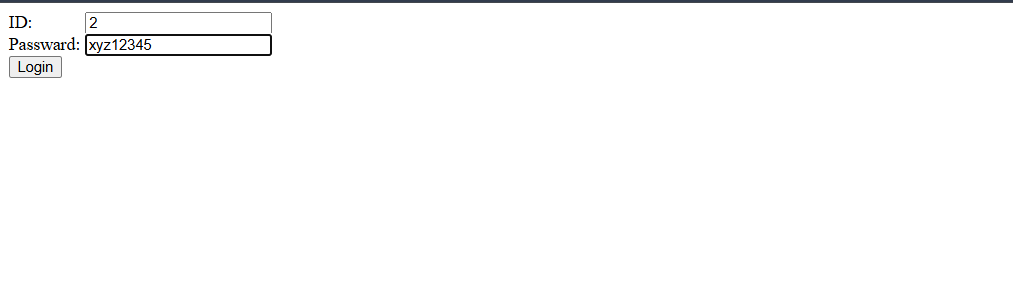
Following is the code for authentication of the users.
Imports System.Data
Imports System.Data.SqlClient
Partial Class _Default
    Inherits System.Web.UI.Page

    Private Sub form1_Load(sender As Object, e As EventArgs) Handles form1.Load

    End Sub

    Protected Sub login_button_Click(sender As Object, e As EventArgs) Handles login_button.Click
        Dim conn As SqlConnection
        conn = New SqlConnection

        Dim constr As String
        constr = "Data Source=WIN-3G30IJDBABE\SQLEXPRESS;Integrated Security=True;Trusted_Connection=True;Database=PVFC"

        conn.ConnectionString = constr


        Dim cmd As SqlCommand = New SqlCommand
        cmd.Connection = conn


        cmd.CommandText = "SELECT ID,PASSWORD,ROLE FROM AUTHENTICATION_T"

        Dim dr As SqlDataReader

        Try
            conn.Open()
            dr = cmd.ExecuteReader()

            While dr.Read()
                Dim id As String = dr("ID").ToString()
                Dim password As String = dr("PASSWORD").ToString()
                Dim role As String = dr("ROLE").ToString()

                If txtID.Text = id And txtPass.Text = password Then
                    If role = "0" Then
                        Response.Redirect("Product_catalog.aspx")
                    ElseIf (role = "1") Then
                        Response.Redirect("Order.aspx")
                    End If
                Else
                    Status.Text = "Incorrect Credentials"
                End If
            End While

            dr.Close()

        Catch ex As Exception
            Response.Write(ex.Message)
        Finally

            cmd.Dispose()
            conn.Close()
        End Try
    End Sub
End Class
Problem Statement
Develop test cases for role based access control.
Solution:
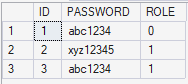
To test my role based access control, I added 3 entries in AUTHENTICATION_T table.
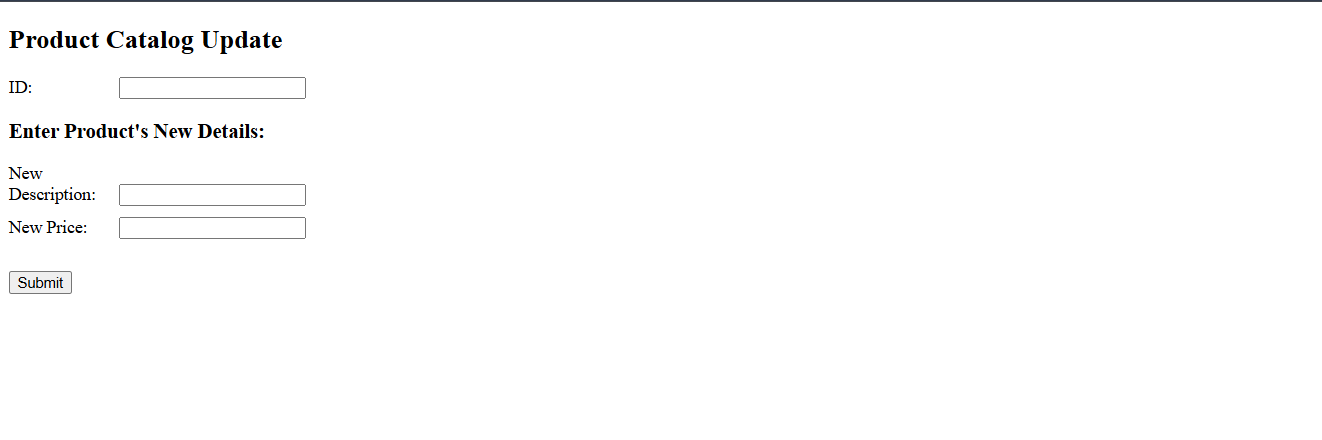
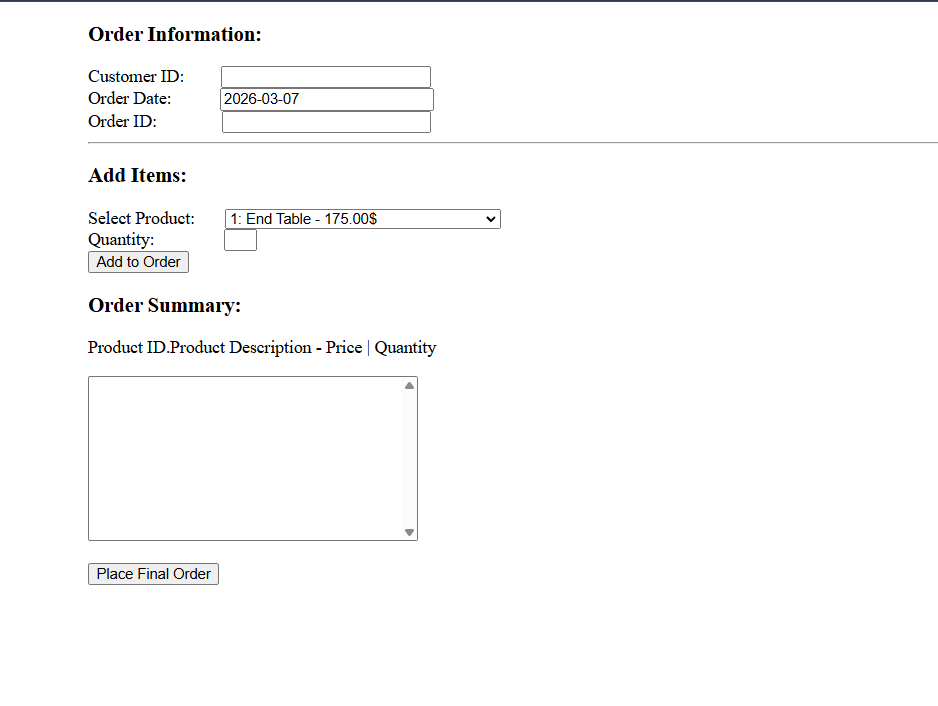
After authentication from the login page, the admin is redirected to the Product catalog update page, whereas
any regular customer is redirected to the order placement page.
Here ROLE = 0 indicates an admin, whereas ROLE = 1 indicates
regular customer.
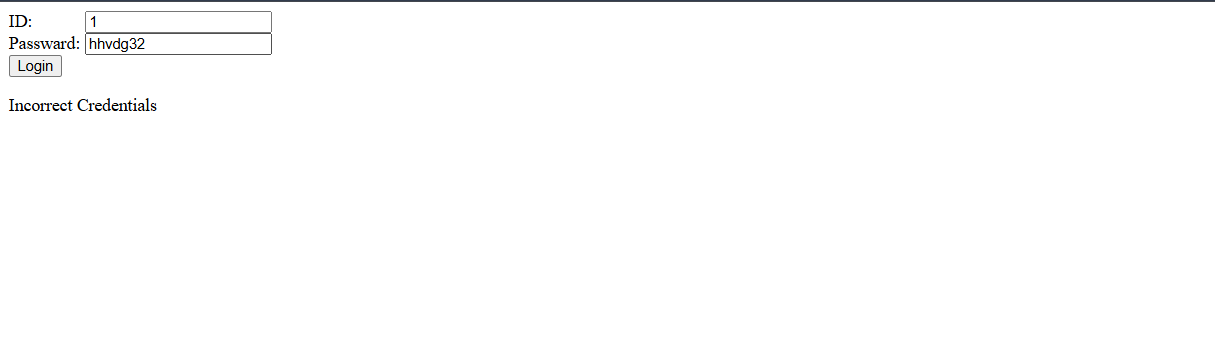
Output of Test Cases:
When user enter invalid credentials
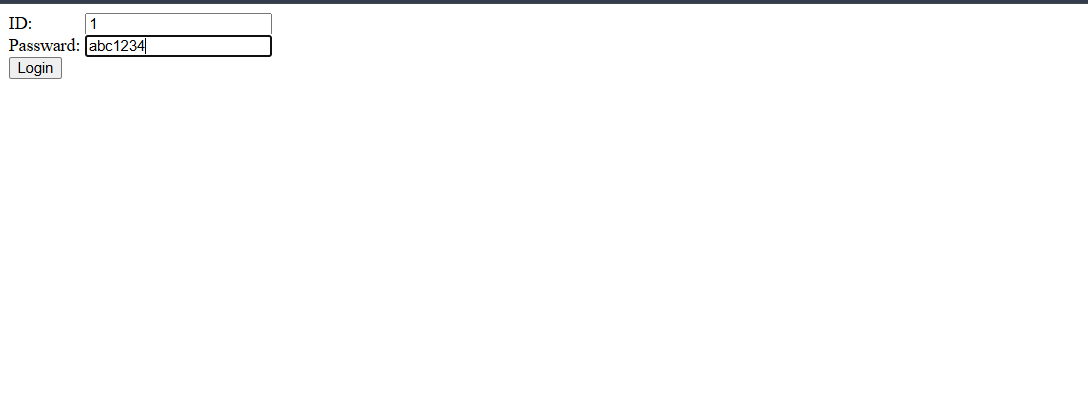
When an admin enters credentials, redirected to to the product catalog update page
When a customer enters credentials, redirected to to the order placement page